Google's $99.99 Home Speaker Is a Whole-Home Migration, Not a One-Room Upgrade
Google's 2026 Home Speaker looks like a simple $99.99 upgrade: better audio, Gemini voice control, Matter support, and a Thread border router in one compact device.
But buying one speaker creates three decisions. You are choosing room hardware, a network hub, and a software migration for compatible speakers and displays across the entire Google Home. Treating all three as a one-room impulse buy is the easiest way to misunderstand the product.
The Assistant Switch Is Home-Wide
Adding the speaker makes a Google Home eligible to opt in to Gemini for Home where the service is available. Google says that once a home switches, Gemini becomes active on every compatible device in that home, compatible devices added later also switch, and the home cannot return to Google Assistant.
That makes the upgrade boundary more important than the unboxing. Before accepting it, inventory every compatible speaker and display, ask who relies on them, and record the routines, timers, reminders, media services, Personal Results, and accessibility functions that matter.
The new speaker can still be worth buying without rushing that migration. Eligibility is not the same as a requirement to opt in immediately.
Price the Subscription After the Trial
The current U.S. listing includes six months of Google Home Premium Standard, described as a $60 value. After that, Google's current pricing is $10 per month or $100 per year for Standard and $20 per month or $200 per year for Advanced.
Basic Gemini for Home controls, media playback, broadcasts, and parental controls remain included without a paid plan. Standard adds Gemini Live, natural-language automation creation, and sound detection. Advanced adds camera-history search and daily summaries.
Buy the speaker only if its audio, hub role, and included functions justify $99.99 on their own. Treat the trial as a test of optional services, not part of the permanent hardware value. Put a reminder near the trial end and write down which paid features the household actually used.
Place It Like a Hub, Not Just a Speaker
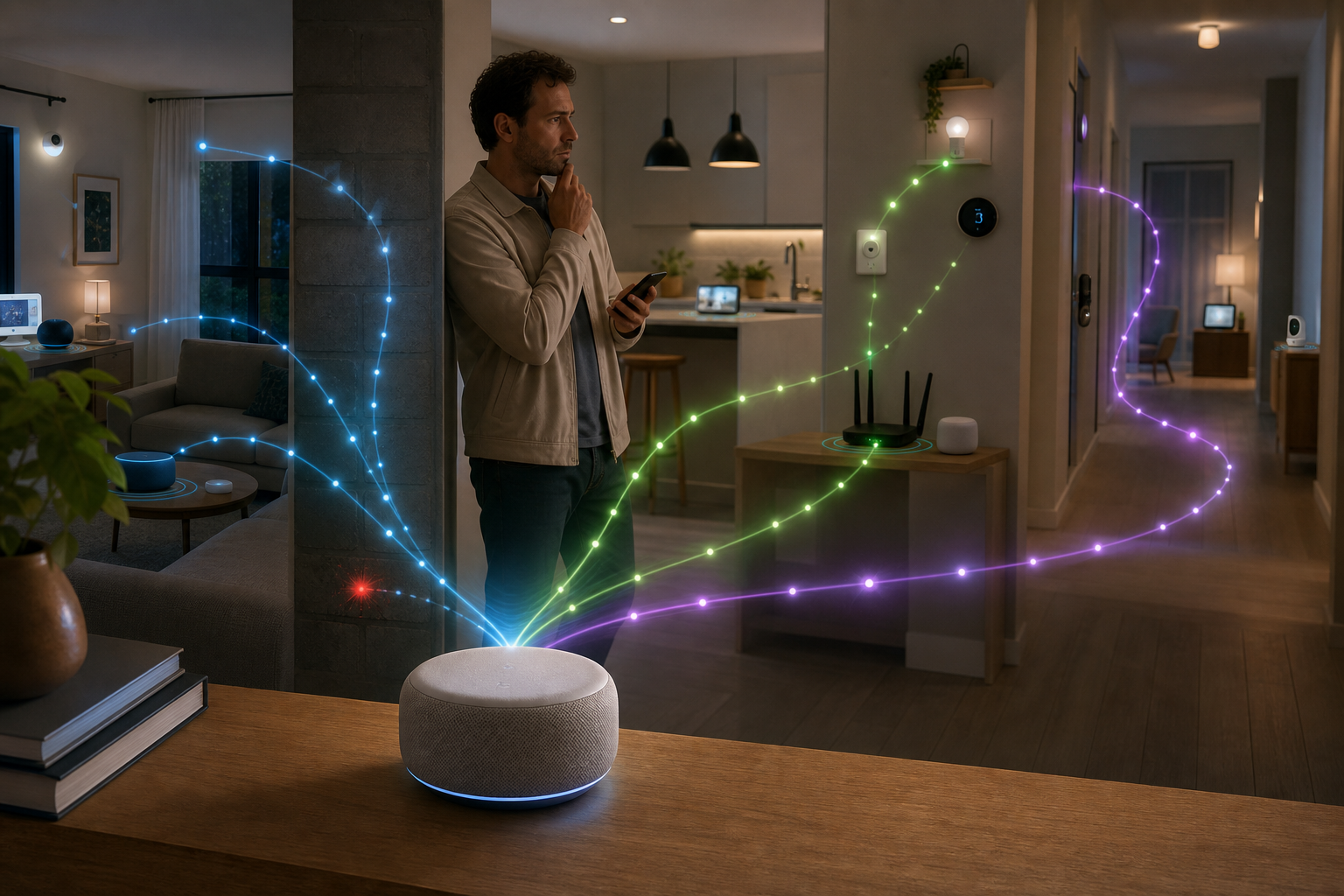
Google lists the 2026 speaker as a Google Home hub for Matter over both Wi-Fi and Thread. No special hub mode is required after it joins the home network and Google Home app.
Placement still matters. The best spot for 360-degree audio may sit far from a Thread lock, sensor, or blind. Choose a powered location that balances microphone reach, Wi-Fi quality, useful Thread proximity, and normal room acoustics.
Check IPv6 before blaming the speaker or an end device. Google's Matter guide warns that setup can appear to succeed before control later fails when IPv6 is unavailable. Matter support also does not guarantee that Google Home exposes every feature from every device category on the same schedule.
Run a Noncritical Acceptance Test
T3's July 31 hands-on review found easy setup, strong audio, and useful conversational behavior. It also reported serious response delays, a timer that did not alert as expected, and occasional disagreement between app reminders and speaker notifications.
That is one reviewer's experience, not a universal failure rate. It is enough reason to test before trusting. During the return and trial windows:
- compare voice and app control for several existing devices; - test routines with multiple actions and confirm every action completes; - run labeled timers and reminders while also using an independent timer; - test a Matter-over-Thread device near the intended coverage edge; - reboot the router and speaker separately, then verify recovery; - confirm what continues to work with the microphone muted and without Premium-only features.
Review privacy settings at the same time. The speaker has a physical microphone switch and a listening light. Google also exposes Home History, Personal Results, Continued Conversation, linked services, video-history, and response-filtering controls. Set them deliberately for everyone in the home.
Google Home Speaker is a compelling compact hub when audio, voice control, Matter, and Thread all belong in the same room. The smart purchase is not simply adding it. It is deciding where the hub should live, which subscription features deserve renewal, and whether the whole household is ready for a one-way assistant migration.
- https://store.google.com/product/google_home_speaker?hl=en-US&noRedirect=true - https://support.google.com/googlehome/answer/12391458?hl=en - https://support.google.com/googlehome/answer/16618650?hl=en - https://www.t3.com/home-living/smart-home/google-home-speaker