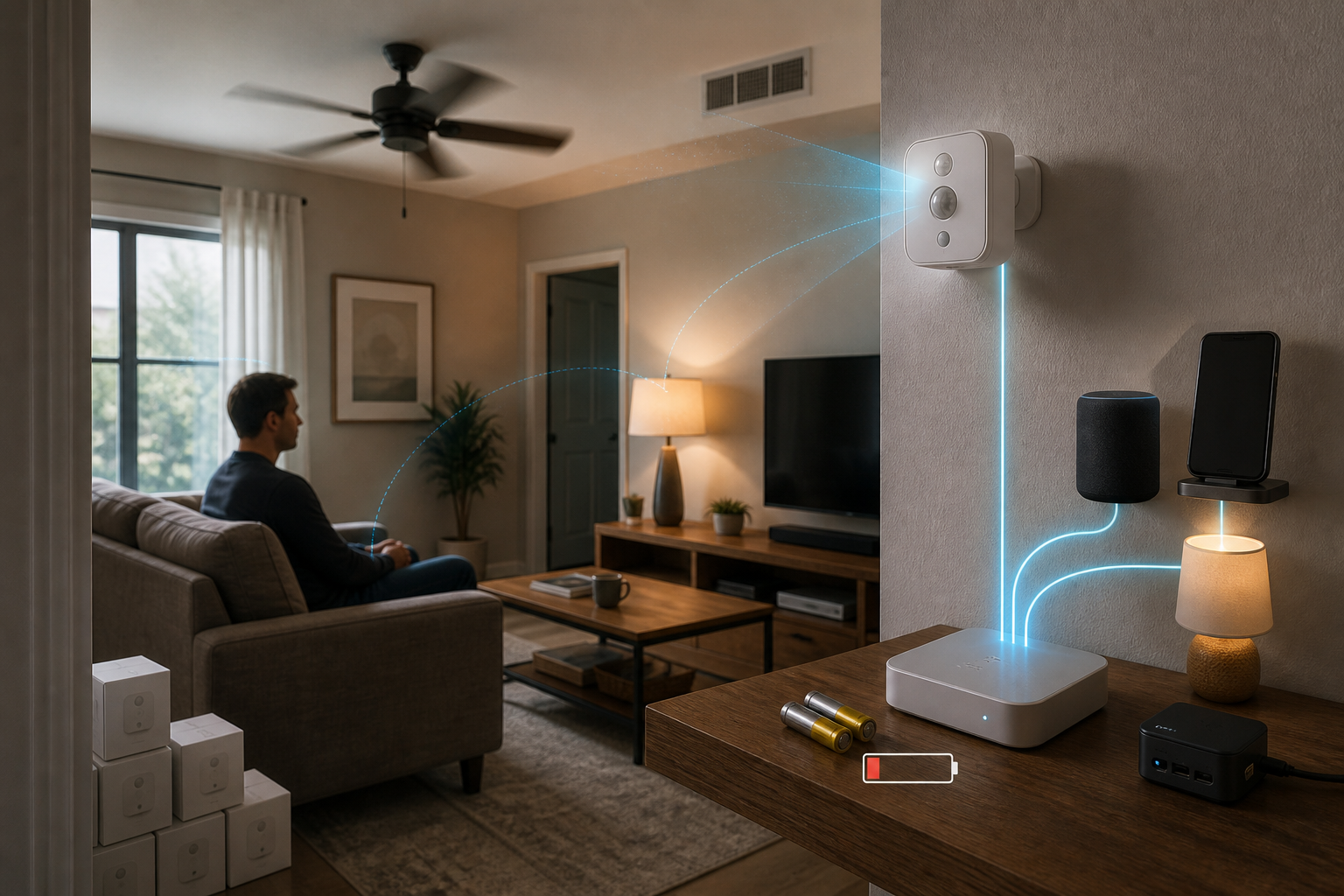
SwitchBot's $30 Presence Sensor Is a Room Trial, Not a Matter Shortcut
SwitchBot's $29.99 Presence Sensor makes a tempting promise: put battery-powered occupancy detection in more rooms, then use presence—not a button press—to run lights, fans, and other automations.
The price is attractive. The harder question is whether the sensor, room, radio path, and automation are a good match.
This is not a native Matter sensor that joins an ecosystem from its own QR code. It is a Bluetooth device that can work inside SwitchBot or be bridged through a compatible SwitchBot hub. That makes the best buying strategy simple: test one room before buying a houseful.
What the $30 Buys
SwitchBot combines mmWave radar, passive infrared motion detection, and ambient-light sensing in a 54 × 54 × 28 mm enclosure. It weighs 38 g, uses two AAA batteries, and carries an IP55 rating.
The official coverage claim is a 120-degree field, reaching up to 8 meters for moving people and 5 meters for stationary people. SwitchBot advertises up to two years of battery life and says its environmental-learning feature can filter recurring movement from fans and air conditioners.
Without a hub, the sensor can use local linkage with selected SwitchBot devices and run up to two automations. More complex SwitchBot routines need a hub. SwitchBot lists support for Apple Home through a SwitchBot Matter Hub and also names Home Assistant, Alexa, Google Home, SmartThings, Siri, and IFTTT among its third-party options.
That is useful reach, but “supports” does not mean every path behaves the same.
Matter Is a Bridge Here
Matter Alpha's hands-on review found no Matter QR code on the sensor. To expose it to a Matter ecosystem, the reviewer first paired it in the SwitchBot app, connected it to a compatible hub, and then selected it as a bridged device.
The distinction affects both cost and resilience. A buyer starting without SwitchBot infrastructure must include the hub in the budget. The automation also depends on a chain: sensor, Bluetooth link, SwitchBot hub, Matter bridge, controller, and target device.
Home Assistant offers another path. SmartHomeScene tested the sensor through Home Assistant's Bluetooth integration and reported occupancy, light level, battery, and signal-strength entities. That route requires reliable Bluetooth coverage from the host or proxies, but it does not turn the sensor into Matter either.
Choose the path before choosing the quantity.
Placement Is Part of the Product
mmWave can detect small movements that ordinary motion sensors miss, including someone sitting at a desk or reading. It can also react to movement that is not a person.
Both independent reviews make room calibration central. Aim the sensor at the actual activity area, keep the detection zone clear, and run setup with fans, air conditioning, curtains, or other recurring movement active. SmartHomeScene also flags vibrating appliances, mirrors, and metal surfaces as possible sources of interference.
Range matters too. An 8-meter setting may suit an open living room; a bathroom or pantry may need only a fraction of that. More range is not automatically better if it reaches a hallway, a moving curtain, or the next room.
Test the Automation, Not Just the Sensor
The reviews show why one-room testing matters. Matter Alpha observed a roughly five-second confirmation behavior through its setup, noticeable for pantry lighting but acceptable for slower fan routines. SmartHomeScene reported no noticeable delay through direct Home Assistant Bluetooth.
Those observations are not necessarily contradictory. They involve different rooms, radios, hubs, and control paths. They are evidence that the final automation must be tested end to end.
Battery performance deserves the same caution. “Up to two years” is a maximum claim. In Matter Alpha's busy open-plan room at maximum range, one review unit requested replacement batteries after roughly a month. That single stress case is not a general battery-life estimate, but it is a good reason to monitor the first installation before multiplying it by ten.
The One-Room Buying Checklist
Start with the room where presence sensing would save the most frustration, then verify:
- The intended automation works through the exact hub, bridge, or Bluetooth route. - Entry response and vacancy delay fit the room; lighting usually needs faster feedback than ventilation. - Fans, curtains, pets, doorways, and adjacent rooms do not create false occupancy. - Battery level remains credible after several weeks at the chosen range. - State recovers after a hub restart, Bluetooth outage, or controller reboot. - The destination ecosystem exposes the entities needed for the routine.
The sensor stack does not include a camera, so it avoids capturing room imagery. Still review app permissions, household access, and what the hub shares with third-party ecosystems. For locks, cooking equipment, heaters, or other consequential loads, never make one occupancy reading the only safety interlock.
SwitchBot's Presence Sensor can be an economical way to make automations aware of people who are sitting still. Its $30 price earns it a trial. Room-level evidence—not the Matter label—earns it the rest of the house.
- https://us.switch-bot.com/products/switchbot-mmwave-presence-sensor - https://www.matteralpha.com/review/switchbot-mmwave-presence-sensor-review - https://smarthomescene.com/reviews/switchbot-presence-sensor-review-and-testing/