SwitchBot's E-Ink Dashboard Has Two Customization Lanes
The SwitchBot E-Ink Home Dashboard looked easy to classify after two July reviews: a useful $110 weather-and-calendar display with frustratingly limited customization.
Current SwitchBot documentation makes the decision more interesting. The Dashboard now has two distinct customization lanes: a no-code web editor for manually arranged pages and an OpenAPI path for automated text. Buyers should decide which lane they actually need before treating this as either a simple appliance or a programmable dashboard.
The No-Code Lane Has Specific Requirements
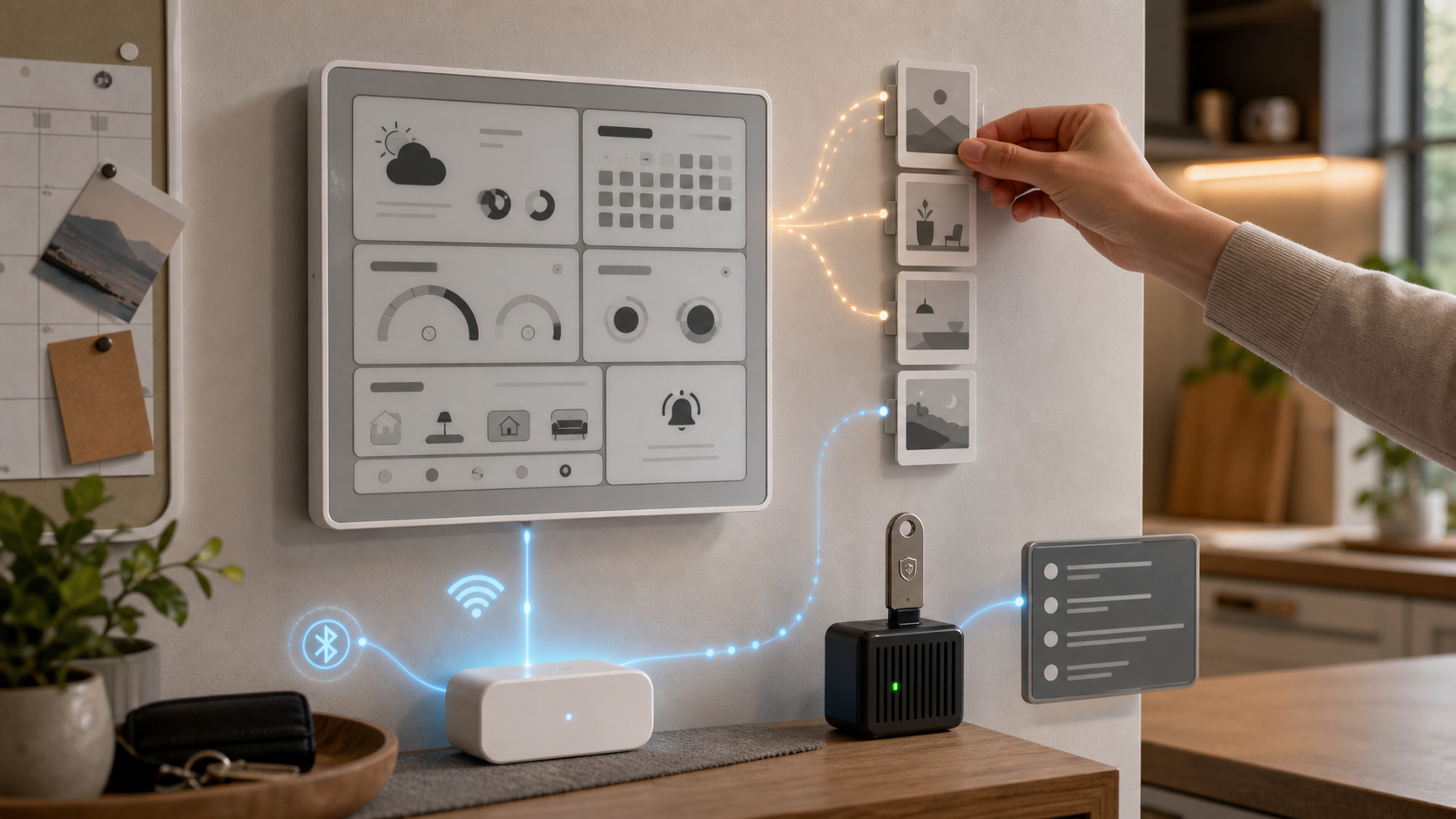
SwitchBot's web editor requires version 9.28 or newer of its app and firmware 2.0 or newer on the Dashboard. It can publish up to four custom pages, lets users drag and drop cards into order, and applies the result after a two-second press on the device's top button.
That is a meaningful option for a household information board. It also has a sharp setup edge: SwitchBot warns that publishing web pages overwrites multi-view pages configured in the app. Restoring the app layout means configuring it again, saving it, and refreshing the screen.
Before experimenting, photograph the current pages and test the editor while the Dashboard is still on its stand. Gizmodo found the glossy display glare-prone at some wall angles, so permanent mounting should come after both layout and placement pass a real-room test.
Automated Data Is Still a Developer Job
The separate OpenAPI workflow can send text to a Custom Page. SwitchBot suggests uses such as reminders, electricity rates, air quality, countdowns, and scheduled updates.
This is not a no-code live-data connector. The documented setup requires exposing a developer Token and Key in the SwitchBot app, discovering the Dashboard's device ID, signing requests, and sending an authenticated command to the device endpoint. Someone must securely store those credentials, run the update job, monitor failures, and maintain it when an API or data source changes.
That split resolves an apparent contradiction in the product. The web editor can make a fixed page easier to arrange; OpenAPI can make text dynamic. Neither turns the 7.5-inch, 800x480 monochrome display into a touchscreen tablet or proves that every third-party dashboard can be rendered.
Count the Ongoing Setup Cost
MatterAlpha found the basic weather-board role genuinely useful, especially near doors where a quick forecast changes what someone wears. The same review reported that app changes could take up to 30 minutes to refresh automatically and that calendar feeds had to be repeated across multiple Dashboard units.
Those observations suggest a practical pre-purchase test:
- Update the app and firmware before judging customization. - Confirm that four web pages cover the household's real use cases. - Count every calendar and every Dashboard that must be configured. - Decide who owns API credentials and automation failures. - Test glare, refresh behavior, and scene-button response before wall mounting.
Treat calendar feed URLs and developer credentials like passwords. Keep them out of shared scripts, screenshots, and public repositories, and replace them if exposed. Scene buttons are appropriate for convenience actions such as lighting, but not as the only control for locks, heaters, alarms, or other consequential devices.
The Buying Decision
Buy the Dashboard for weather, calendars, and manually arranged information if the updated web editor covers the need. Its E-Ink screen, battery power, front light, and glanceable presentation are the core value.
Buy it for automated live text only if a technical operator is willing to own the OpenAPI workflow. If the real requirement is arbitrary graphics, broad plug-ins, touch interaction, or fast control, choose a more flexible E-Paper platform, tablet dashboard, or dedicated smart switch.
The Dashboard is more customizable than a fixed weather station, but the important question is not whether custom pages exist. It is whether the no-code lane is enough—or whether the household is ready to maintain the developer lane.
- https://www.switch-bot.com/products/switchbot-e-ink-home-dashboard - https://support.switch-bot.com/hc/en-us/articles/40545557345687-Content-That-Can-Be-Displayed-on-SwitchBot-E-Ink-Home-Dashboard-Screen - https://support.switch-bot.com/hc/en-us/articles/40319207776919-Developer-Options-How-to-Setup-SwitchBot-E-Ink-Home-Dashboard-Custom-Page - https://gizmodo.com/switchbot-home-dashboard-review-an-e-ink-smart-display-for-the-weather-obsessed-2000779585 - https://www.matteralpha.com/review/switchbot-home-dashboard-review-honest-verdict