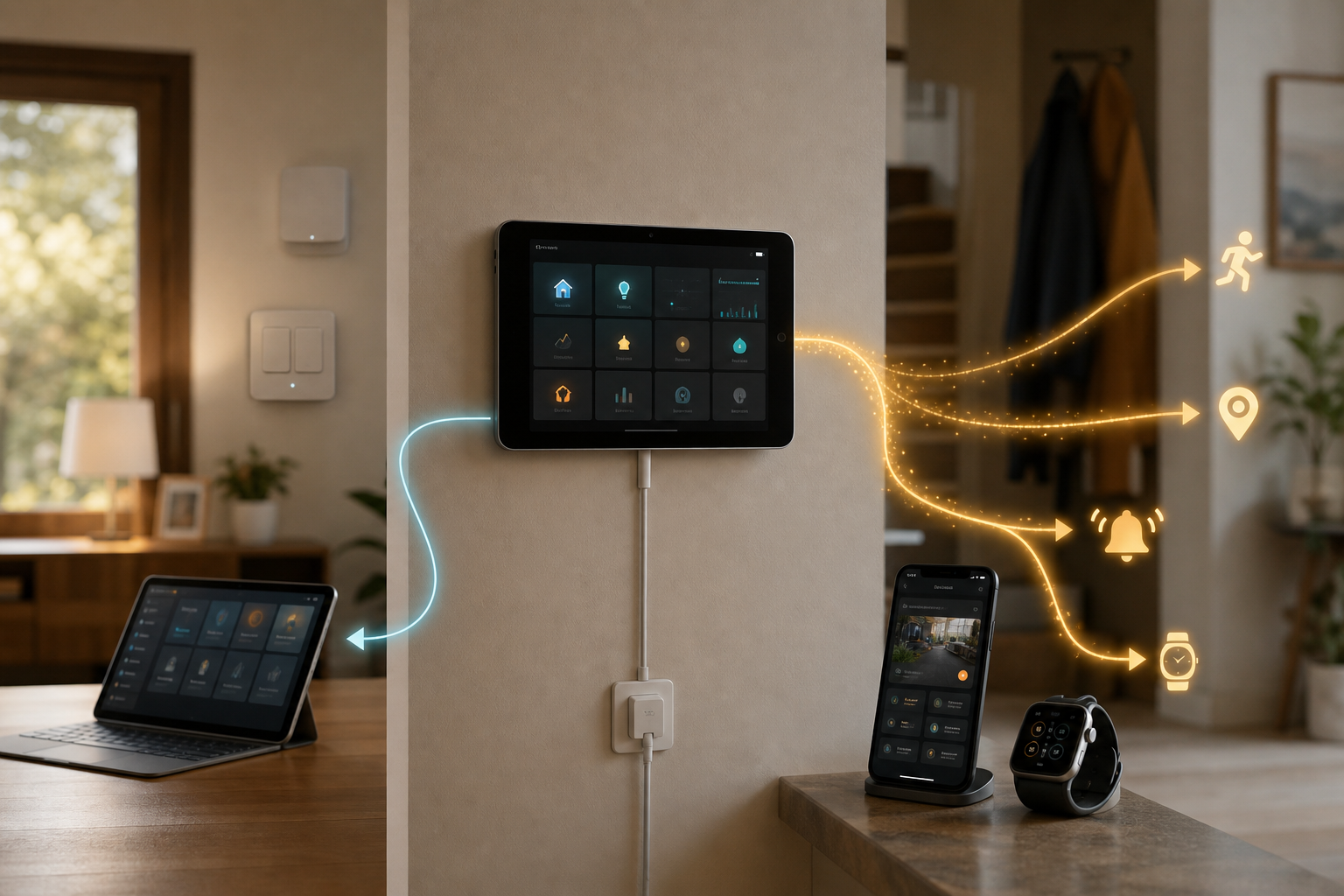
Home Assistant's Apple Cutoff Makes Old Wall Panels a Browser Decision
Home Assistant is drawing a new software line for older Apple devices. Starting with Companion app version 2026.8.0, iOS 15, watchOS 8, and macOS 11 will no longer be supported. Version 2026.7.1 is the last compatible release.
That does not automatically retire an old iPhone or Mac from smart-home duty. It does change the question operators should ask: is this device merely showing a dashboard, or is the Companion app quietly supplying data and actions that automations depend on?
The Cutoff Is Specific
After 2026.7.1, Home Assistant's minimums become iOS 16.4, watchOS 9, and macOS 12. Home Assistant says fewer than 1% of its users run the affected operating systems and points to changing Apple developer tools as a reason for the move.
Apple's current Xcode 27 beta requirements support that explanation for the Watch and Mac: the minimum deployment targets move from watchOS 8 and macOS 11 in Xcode 26.6 to watchOS 9 and macOS 12. Xcode 27 still lists iOS 15 as a deployment target, however, so the iOS 16.4 floor is Home Assistant's stated app-support decision—not an Apple-mandated iOS minimum.
Independent coverage from T3 reached the same practical conclusion: affected users can remain on the final compatible app or switch to the web interface. Neither path is automatically right for every installation.
A Browser Is Not the Whole Companion App
Home Assistant says its browser frontend remains fully supported and will continue receiving monthly updates. That makes it a credible path for an older device whose only job is displaying and controlling a dashboard.
But Home Assistant's own feature documentation describes the Companion app as more than a viewer. An iPhone can contribute battery and network sensors, device-tracker and location updates, actionable notifications, and critical alerts. Apple Watch controls are another app-specific role.
The browser fallback therefore should not be treated as a like-for-like migration. A wall panel that only toggles lights may be fine. An old phone used for presence detection, a door notification, or an alarm action needs a more careful handoff.
Audit the Endpoint Before Version 2026.8
For each affected Apple device, check four things:
1. Open the device's software settings and determine whether it can move to the new minimum OS. 2. In Home Assistant, list every sensor, tracker, notification action, and automation tied to that device. 3. Test the browser frontend for the exact dashboard and control tasks the device performs. 4. Move consequential alerts and presence logic to a supported second endpoint before changing the old one.
Home Assistant says version 2026.7.1 will remain available in the App Store. Freezing there can buy time, but it should be treated as a transition plan. The announcement does not promise that a frozen app will remain compatible with every future server release.
The Buyer Decision
Do not replace an old Apple device solely because the Companion app cutoff exists. Keep it as a browser panel if dashboard viewing and control are its only jobs and the tested web workflow is sufficient.
Upgrade the OS or replace the endpoint if the household depends on app sensors, background location, notification actions, critical alerts, or Watch controls. The key cost is not the age of the screen; it is the number of automations and safety-relevant workflows attached to the app behind it.
The cutoff is manageable. The mistake would be treating a functioning dashboard as proof that the old device's entire smart-home role survived.
- https://www.home-assistant.io/blog/2026/07/07/companion-app-changing-support-for-apple-platforms/ - https://companion.home-assistant.io/docs/core/ - https://developer.apple.com/xcode/system-requirements/ - https://www.t3.com/home-living/smart-home/home-assistant-is-dropping-support-for-older-apple-devices-heres-what-you-need-to-know