SwitchBot's $110 E-Ink Dashboard Makes Matter a Bonus, Not the Buy
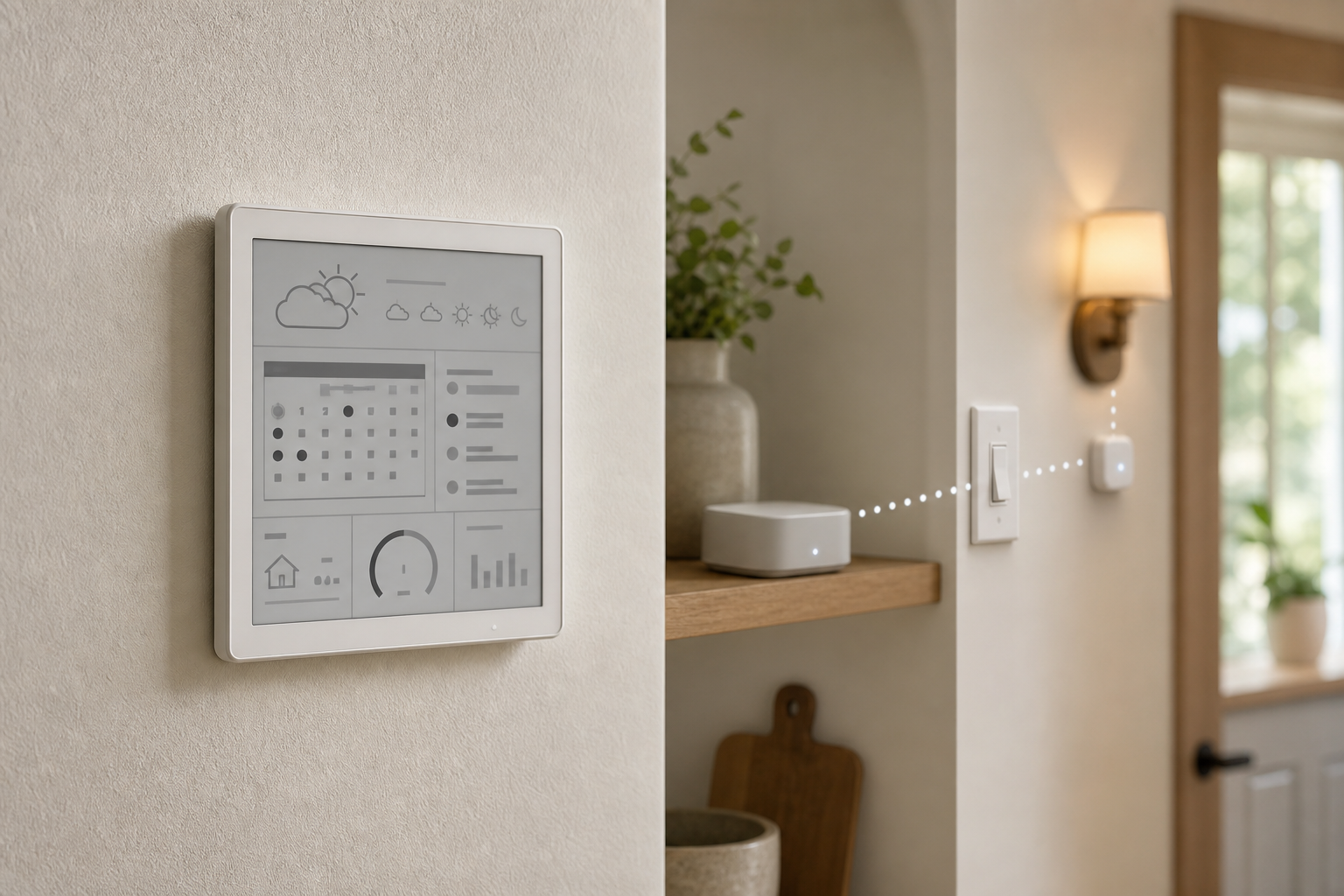
SwitchBot's E-Ink Home Dashboard looks like a wall-mounted smart-home control panel. At $109.99, with calendars, climate readings, two scene buttons, and a Matter bundle, it is easy to shop for it that way.
The better buying frame is simpler: this is a quiet weather and calendar terminal first. Matter control is a bridge-dependent extra with enough limits that it should not drive the purchase.
Buy the Screen for What It Shows
The Dashboard has a 7.5-inch monochrome 800x480 E-Ink screen, a front light, indoor temperature and humidity sensing, alarms, and views for forecasts and calendars. It can sit on a desk or mount on a wall. SwitchBot lists a 5000mAh battery and claims up to one year per charge, with USB-C power available.
That is a useful package for a hallway, kitchen, or bedroom where a glowing tablet would be distracting. It is not a touchscreen, so it is better for glancing than browsing or editing. SwitchBot supports up to three of its sensors and calendars for up to five family members.
Two current reviewers liked the basic information-board job. They also found the limits that matter after unboxing: MatterAlpha reported that settings could take up to 30 minutes to refresh automatically, while a manual sync could apply changes sooner. Calendar feeds had to be entered individually and repeated for each Dashboard. Gizmodo found the glossy cover vulnerable to glare, making placement worth testing before permanent mounting.
Matter Requires More Hardware and More Checking
The base Dashboard does not double as a Matter controller. SwitchBot sells it alone for $109.99 or bundled with Hub Mini Matter for $169.99. The hub is the bridge that can carry supported SwitchBot Bluetooth devices into another ecosystem, and a third-party Matter controller is still required.
That distinction changes the value calculation. MatterAlpha describes the Dashboard as bridge-dependent rather than Matter-native. Gizmodo needed a Hub 3 firmware update before bridging appeared and found that the exposed scene buttons and climate sensors were a much narrower integration than a full control panel.
Even when the buttons appeared, Gizmodo measured roughly five-to-ten-second responses in its setup. Network and firmware conditions vary, but that is enough reason to test before depending on them. A dedicated smart switch remains the better choice for instant, frequently used control.
Calendar Convenience Has a Privacy Cost
Calendar setup relies on feed URLs. Those links can expose schedule data to anyone who obtains them, depending on the calendar provider, so treat them like passwords: do not share them, and replace a feed if its URL leaks.
The same caution applies to scenes. Review who has access to the SwitchBot home, keep app and hub firmware current, and reserve the Dashboard buttons for convenience actions such as lighting. Do not make a delayed or unverified bridged button the only control for locks, heaters, alarms, medical equipment, or other consequential devices.
The Buying Decision
Buy the Dashboard if the main goal is glanceable weather, climate, alarms, and calendars on a low-distraction screen. Before mounting it, confirm 2.4 GHz Wi-Fi coverage, test glare, count how many calendar feeds must be entered, and decide whether the fixed layouts are enough.
Buy the Matter bundle only after verifying that the hub's current firmware exposes the exact Dashboard sensors or buttons you need in your chosen platform. If the real goal is fast scene control, a touchscreen command center, or highly customizable layouts, spend the money on a dedicated switch, tablet dashboard, or more flexible E-Paper platform instead.
The E-Ink screen is the product. Matter is a useful bonus only when the bridge, firmware, entities, and latency all pass your own setup test.
- https://www.switch-bot.com/products/switchbot-e-ink-home-dashboard - https://www.switch-bot.com/products/switchbot-hub-mini-matter-enabled - https://www.matteralpha.com/review/switchbot-home-dashboard-review-honest-verdict - https://gizmodo.com/switchbot-home-dashboard-review-an-e-ink-smart-display-for-the-weather-obsessed-2000779585