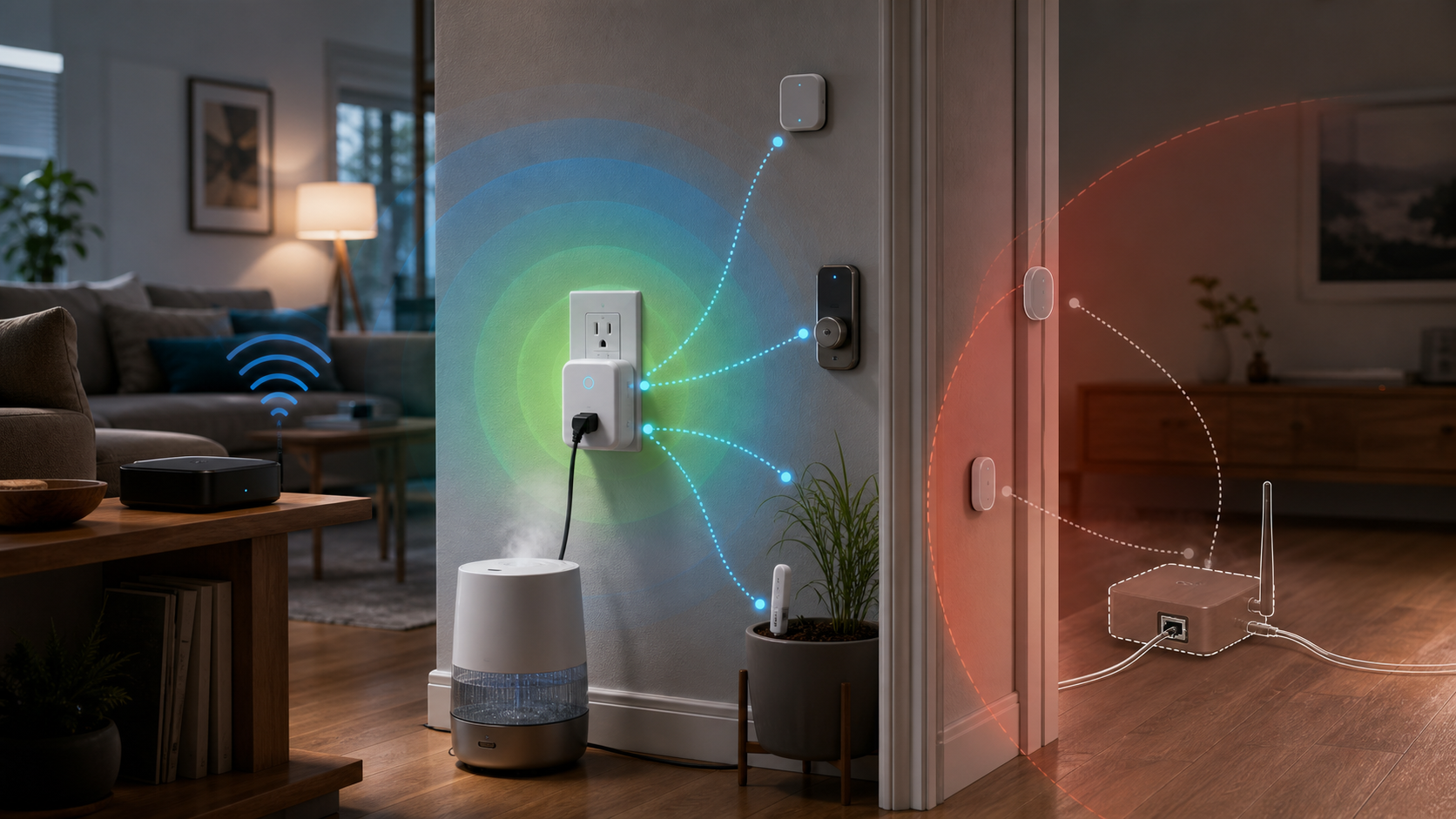
IoTorero's Smart Plug Is A Bluetooth Coverage Decision
The most useful feature in IoTorero's new Works with Home Assistant lineup may not be the relay or energy meter. It is the Bluetooth proxy hiding inside each certified device. That can turn one powered outlet into a better route for nearby Bluetooth Low Energy devices—but only if the outlet is in the right place.
The Signal
Home Assistant says IoTorero's seven certified ESPHome devices work locally and double as Bluetooth proxies. Instead of asking a distant temperature sensor, lock, or plant monitor to reach the server's Bluetooth adapter directly, a proxy receives its BLE traffic and carries it over the home network to Home Assistant.
The US plug is a practical example. IoTorero's product page lists pre-installed ESPHome, 2.4GHz Wi-Fi, Bluetooth LE, Bluetooth Proxy enabled by default, OTA updates, and energy monitoring. It also lists a 16A maximum current and 16A resistive-load rating. The plug can therefore do three jobs: switch an appliance, measure its energy use, and improve BLE reach.
That combination is attractive. It is not a reason to scatter plugs randomly around the house.
What The Proxy Actually Does
ESPHome's documentation is precise: this is a BLE proxy, not a universal repeater for every Bluetooth product. Home Assistant combines its local Bluetooth adapters and remote proxies as scanners, then routes supported integrations through them.
There are two workloads to understand. Many sensors broadcast passive advertisements, which do not occupy an active connection slot. Locks, thermostats, and other devices may need active GATT connections. An ESPHome proxy provides three active slots by default, and a device that stays connected can hold one slot continuously.
The radio is another constraint. This plug uses Wi-Fi to reach Home Assistant while also listening over Bluetooth. ESPHome notes that Ethernet proxies can perform better because Wi-Fi and Bluetooth otherwise share radio resources. For a few nearby sensors, the plug may be a neat two-for-one. For several connection-heavy devices, a dedicated proxy can be the sturdier choice.
Buyer / Operator Lens
Buy the plug as a proxy when its primary job and radio location align. A plug controlling an air purifier in the same room as weak BLE thermometers is a strong fit. A plug behind a metal cabinet, beside a router, or across the house from the target devices is not.
ESPHome recommends placing proxies close to the Bluetooth devices they serve and away from routers, switches, racks, and similar interference sources—at least three meters when possible. It also recommends keeping the default scan settings for most users. More aggressive scanning can add CPU and network load without a useful reception gain.
Home Assistant gives you a way to test the result. In Settings > Bluetooth, the network map and adapter views show scanners, connections, advertisements, and capabilities. The right success test is not merely that the smart plug is online. It is that the intended BLE device is now seen reliably through a sensible scanner.
Independent context is encouraging but limited. In a January review of an IoTorero ESPHome bulb, Peter Scargill documented straightforward Home Assistant onboarding and reported that the bulb exposed a Bluetooth proxy by default. That supports the convenience case, but it does not replace testing the exact plug, room, and BLE workload.
What To Check Before Buying
First, list the devices with weak Bluetooth reception. Separate passive sensors from devices that need active connections. Three active slots can be enough, but the count matters if locks or thermostats remain connected.
Second, choose the outlet by radio geometry and appliance value. The best purchase solves a real switching or energy-monitoring need near the weak BLE devices.
Third, confirm electrical fit. A proxy feature does not change load safety. Check the appliance type and current against the product's stated rating before using the relay.
Finally, choose a dedicated proxy when coverage is the main goal, when Ethernet or an external antenna is desirable, or when the best RF position has no useful appliance outlet.
The Takeaway
IoTorero's certified plug can remove one box from a Home Assistant setup by combining local appliance control, energy monitoring, and BLE coverage. Its value depends less on the badge than on placement and workload.
Use it where an outlet job and a Bluetooth dead zone overlap. Verify the route in Home Assistant. If they do not overlap, buy the right proxy instead of forcing a smart plug to solve the wrong problem.
- https://www.home-assistant.io/blog/2026/07/09/iotorero-joins-works-with-home-assistant/ - https://www.athom.tech/blank-1/esp32-c3-us-plug-for-esphome - https://esphome.io/components/bluetooth_proxy/ - https://www.home-assistant.io/integrations/bluetooth/ - https://tech.scargill.net/the-very-first-2026-review-iotorero-rgb/