Apple Home's AI Cameras Are A Subscription Decision
Apple Home's next camera upgrade is not just a smarter notification feature. It is a compatibility and subscription decision for anyone using HomeKit Secure Video.
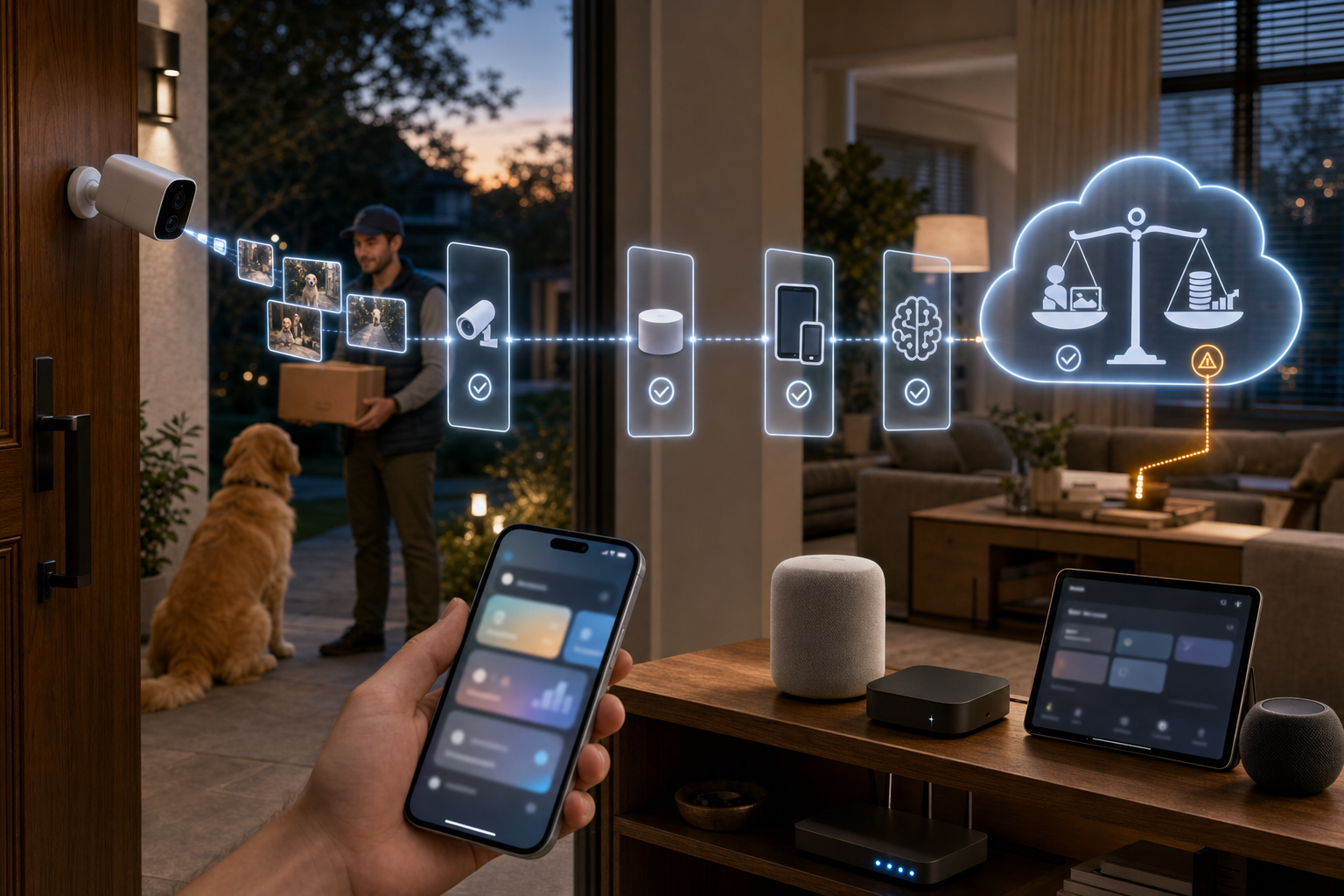
Apple says the Home app is getting Apple Intelligence features that can summarize what happened across security-camera clips, search camera footage with natural language, surface noteworthy clips, and combine related accessory alerts into one updating activity notification. That is useful. It is also the kind of feature that can quietly change the cost math of an Apple Home camera setup.
The Signal
The practical signal is simple: camera intelligence is moving from "can this camera record?" to "can this ecosystem help me review video faster?"
For a busy home, that matters. A generated description can save opening several clips just to learn whether a delivery, visitor, pet, or false motion event caused an alert. Natural-language search is even more valuable when a home has several cameras and the useful moment is buried in hours of clips.
But the requirements matter as much as the feature list. Apple's own Apple Intelligence page says Home app notification grouping needs an Apple Intelligence-enabled iPhone or iPad plus a home hub such as HomePod, HomePod mini, or Apple TV 4K with current software. For generated HomeKit Secure Video descriptions and clip search, Apple's footnotes add that the home owner needs Apple Intelligence enabled in the Home app and an eligible iCloud+ plan.
MacRumors reported that Apple clarified in beta notes that the Home app's Apple Intelligence camera features require iCloud+ starting at 2TB. Apple's iCloud+ comparison currently lists the 2TB plan at $9.99 per month in the US and unlimited HomeKit Secure Video cameras. The cheaper iCloud+ plans still matter for standard HomeKit Secure Video: Apple lists 50GB at $0.99 per month for one camera and 200GB at $2.99 per month for five cameras.
What Changed
The old buyer question was mostly camera count. One camera could fit the cheapest iCloud+ plan. Up to five cameras could fit the 200GB plan. Larger camera homes naturally pointed toward 2TB or higher.
The AI layer changes that. If the 2TB requirement holds for the public release, a one-camera household that only wants smarter summaries is not comparing a camera to a camera. It is comparing $0.99 per month to $9.99 per month. A five-camera household is comparing $2.99 per month to $9.99 per month.
That does not make the feature bad. It means the best fit is probably a home that already has multiple Apple Home cameras, already pays for 2TB iCloud+ or Apple One Premier, or has enough storage and family-sharing needs that the plan upgrade is easy to justify.
Buyer / Operator Lens
Before upgrading a camera or plan, check four things.
First, confirm the camera path. These are HomeKit Secure Video features, not a generic Matter camera bridge. The Verge noted that Apple did not announce Matter camera support in this update. A camera still needs HomeKit Secure Video compatibility, and 4K support will depend on compatible hardware and software.
Second, confirm the home hub. A HomePod, HomePod mini, or Apple TV 4K with current software is part of the requirement chain. If the home hub is old, unplugged, or on a different software track, the camera feature may not behave like the marketing page.
Third, check the home owner account. Apple's requirement is tied to the owner of the home having an Apple Intelligence-enabled iPhone and enabling Apple Intelligence in the Home app. In shared homes, that is not always the same person who bought the camera or pays the iCloud bill.
Fourth, price the subscription honestly. If the household is already on 2TB or higher, the feature is mostly a software value-add. If not, the upgrade is recurring. The right question is whether faster review, better search, and cleaner notifications are worth the monthly gap.
What To Check Before Acting
Do not replace working cameras just because Apple Home is getting smarter. Start with the current Home app, current hub, and current iCloud+ plan.
If there is only one front-door camera, the standard recording tier may still be enough. If there are several cameras and missed clips are a real problem, AI summaries and search could be worth more than another camera angle.
Also review privacy settings before turning smarter video review into a household default. Security clips can reveal routines, visitors, children, workers, deliveries, and when a home is empty. AI search and summaries make that information easier to find. That is useful for safety, but it also raises the bar for camera placement, shared-home permissions, and family-plan access.
The Takeaway
Apple Home's AI camera features look genuinely useful, especially for homes with several HomeKit Secure Video cameras. The deciding factor is not the demo. It is the requirement stack: compatible camera, current home hub, Apple Intelligence-capable owner device, Home app setting, and the right iCloud+ plan.
For households already paying for 2TB iCloud+, this could make Apple Home cameras easier to live with. For everyone else, treat it as a subscription upgrade first and a camera feature second.
- https://www.apple.com/newsroom/2026/06/apple-intelligence-brings-powerful-ai-capabilities-into-everyday-experiences/ - https://www.apple.com/apple-intelligence/ - https://www.apple.com/icloud/ - https://www.macrumors.com/2026/07/06/ios-27-home-app-features-icloud/ - https://www.theverge.com/tech/946032/apple-home-ai-camera-descriptions-search-4k