Thread Tools Is a Diagnostic Check, Not a Thread Cure
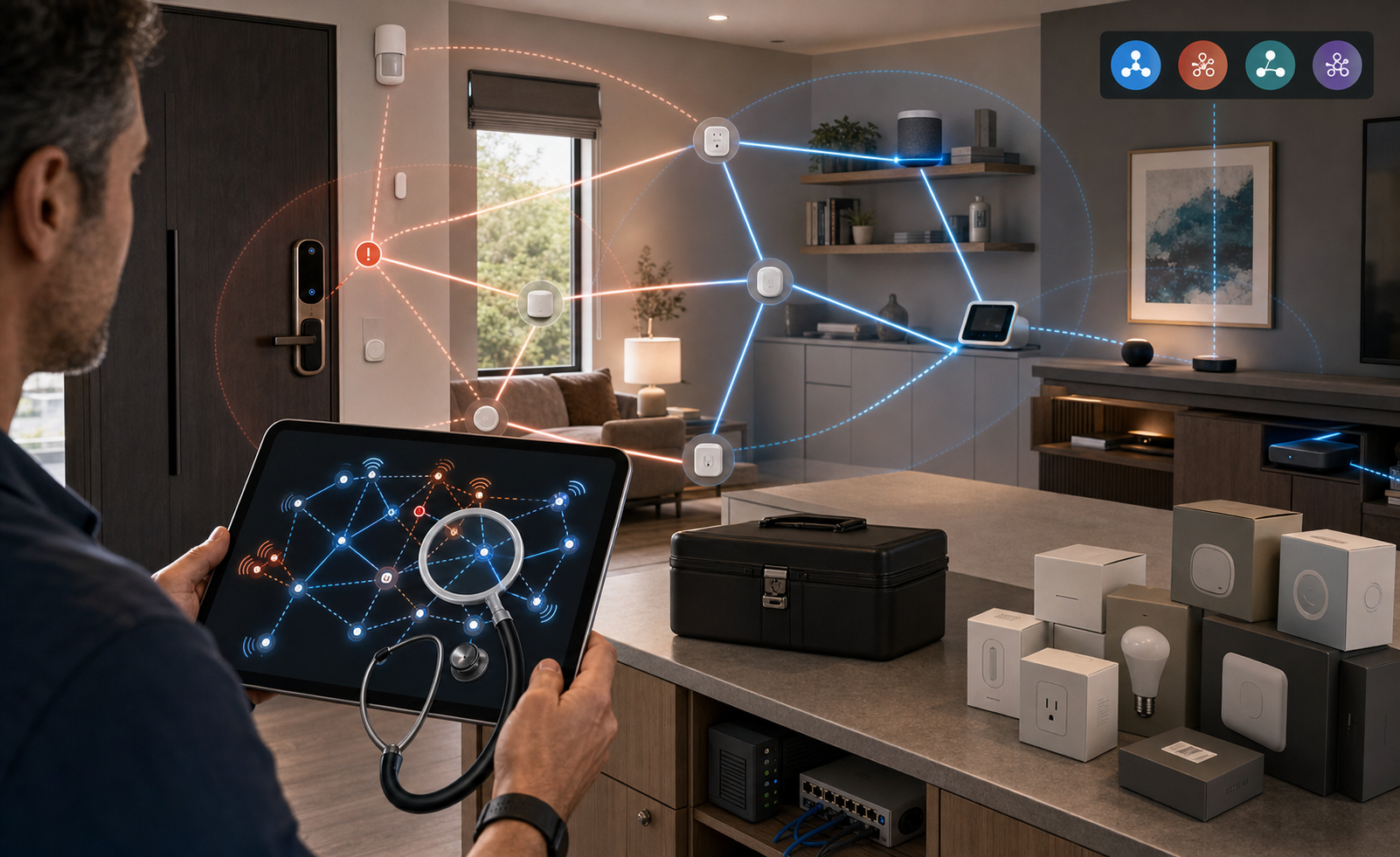
Thread has always promised a quieter smart home: low-power sensors, locks, buttons, plugs, shades, and other devices talking over a resilient mesh instead of crowding Wi-Fi. The hard part has been seeing what is actually happening when that mesh misbehaves.
Thread Group's new Thread Tools app is important because it gives advanced users and support teams a window into that network. It is not important because it magically fixes Matter-over-Thread problems.
The Signal
Thread Group announced beta availability of Thread Tools on June 17, 2026. Its own description is careful: the app is meant for smart-home OEMs, integrators, and advanced end users who need real-world diagnostic data from deployed Thread networks.
That distinction matters. This is not a "buy more Thread gear" moment. It is a "stop guessing" moment for homes where Thread devices disconnect, onboard inconsistently, respond slowly, or appear to land on the wrong network.
What Changed
Until now, many Thread homes were hard to inspect without ecosystem-specific tools or Home Assistant-style diagnostics. Thread Tools uses existing diagnostic data to show network health, topology, link quality, performance metrics, and report exports.
The Google Play listing for Thread Network Diagnostics by Thread Group calls the Android app an alpha release and warns that users may encounter bugs. It says the app can visualize a local Thread network, show how border routers and IoT nodes interact, provide real-time device discovery, and expose connection details. It also says full functionality requires a local Thread network and compatible devices.
The Verge's hands-on report adds the practical part: the app can show which devices connect to which routers, which devices act as mesh extenders, and the signal strength between connections. It can also export detailed data as a JSON file for a manufacturer or ecosystem support team.
Buyer / Operator Lens
The best use case is troubleshooting before replacing hardware. If a Thread lock keeps dropping, the useful question may be whether the lock has weak signal, whether an always-powered mesh extender is too far away, whether an old border router is causing confusion, or whether several border routers have created separate networks.
Thread Group's own smart-home explainer is the checklist. Battery devices such as sensors and locks are end devices; they do not route traffic for other products. Always-powered devices such as lights and plugs can act as mesh extenders. Border routers connect the Thread network to Wi-Fi, Ethernet, and the internet. A strong Thread setup needs enough mesh extenders for coverage and at least one border router for external connectivity.
That makes Thread Tools most useful after the buyer already owns Thread hardware. It can support a decision to move a border router, add an always-powered Thread device near a weak area, remove a stale router, or send better evidence to support. It is not a standalone compatibility test for a product still in the box.
What To Check Before Acting
Check whether your problem is actually Thread. Wi-Fi cameras, Zigbee sensors, Bluetooth-only accessories, and cloud outages will not become visible just because a Thread diagnostic app exists.
Check the app status. Android is listed as alpha, while The Verge describes the broader launch as beta for iOS and Android. Treat the output as diagnostic evidence, not a polished consumer verdict.
Check the limits. The Verge found that Android testing could show details for only one network, device identifiers were not always easy to map to real rooms or products, and actionable diagnosis still required extra tools or technical knowledge.
Check privacy before exporting. Google Play's Data Safety panel says no data is collected and no data is shared with third parties. That is useful, but exported diagnostic files still describe home infrastructure. Share them only with a vendor, platform, or support channel you trust.
The Takeaway
Thread Tools is a good sign for Matter-over-Thread homes because it shifts troubleshooting from superstition toward evidence. It can show topology, link quality, router relationships, and diagnostic data that were previously hidden from most users.
The right expectation is narrow and practical: use it when Thread devices are already in the home and something is unreliable. If the app shows a weak mesh or a confusing border-router layout, then you have a better next step. If it does not, you have at least avoided buying another accessory based on guesswork.
- https://threadgroup.org/Newsroom/Blog/meet-your-smarter-smart-home-with-thread-tools - https://threadgroup.org/Resources/Thread-Tools-App - https://play.google.com/store/apps/details?hl=en_US&id=com.threadgroup.otloom - https://www.theverge.com/tech/949001/thread-network-diagnostic-tools-app-troubleshooting-matter-smart-home - https://www.matteralpha.com/news/thread-network-diagnostics-app-release - https://threadgroup.org/BUILT-FOR-IOT/Smart-Home