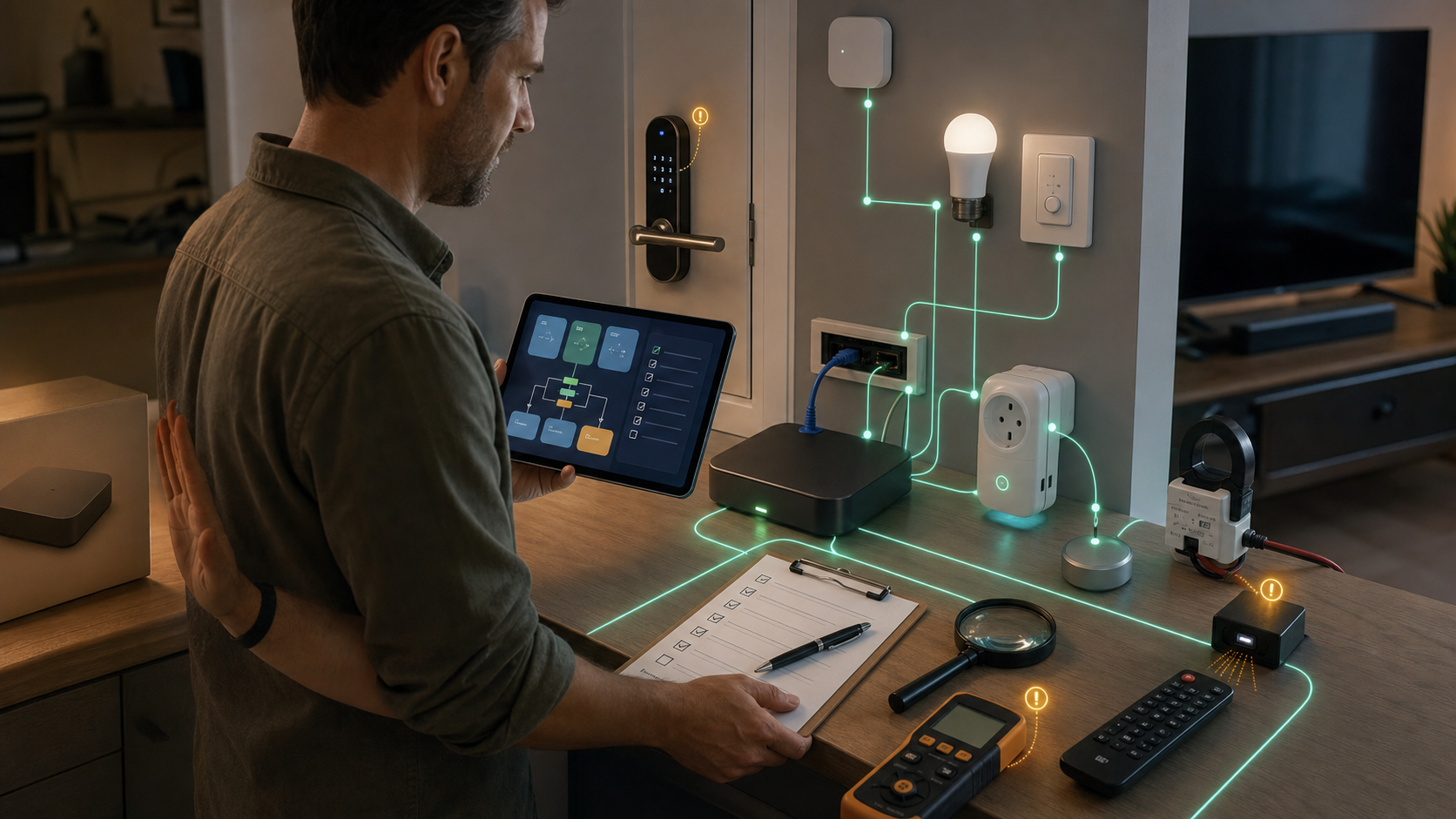
Home Assistant 2026.6 Is a Setup Cleanup, Not a Hardware Trigger
Home Assistant 2026.6 is not the kind of smart-home update that should make most people buy a new hub. Its value is more practical: it removes friction from the dashboards, automations, remotes, locks, and energy views that existing Home Assistant households touch every week.
That matters because mature smart homes usually fail in boring places. A dashboard card is hard to choose. An automation targets more devices than expected. A TV changes state from its original infrared remote and the smart-home system misses it. A lock code lives in a vendor app instead of the controller the home already uses.
This release is aimed at those operator problems.
The card picker is the headline for normal users
The biggest visible change is the new dashboard card picker. Instead of starting with a technical list of card types, Home Assistant now lets you start with the thing you want to show: an entity, device, area, floor, or unassigned item. The picker then suggests cards that fit, using live previews with real data.
For a light, that can mean simple on/off, brightness, color temperature, or favorite-color controls. For a temperature, humidity, or power sensor, it can suggest a trend graph tile. Calendar and to-do entities get their matching dedicated cards. The old By card view still exists, so advanced users do not lose the direct route.
The buyer takeaway is simple: this update makes Home Assistant less punishing for people who want a useful dashboard without memorizing card names. It does not make every custom dashboard magically easier on day one. Home Assistant's developer notes say custom cards can appear in the new picker only if their authors opt in with the new suggestion API.
If your dashboard depends on HACS cards, update with that expectation.
Automations get easier to inspect before they misfire
Home Assistant 2026.6 also continues the move toward automations that are easier to reason about from the editor. Purpose-specific zone triggers and conditions are available in Labs, including entries for people or device trackers entering or leaving zones and for a zone becoming occupied or empty.
More immediately useful: the editor now shows target counts for floors, areas, devices, and labels, with filters reflected in the count. That is the difference between hoping "downstairs" means the right lights and seeing the number before the action runs.
Conditions also gain live status indicators while editing, and automation steps can carry notes. Those notes are not glamorous, but they are valuable in a real house. They let you record why the porch sensor waits, why a hallway scene skips after midnight, or why a guest mode has an exception.
IR and locks are the operator upgrades to test carefully
Infrared is becoming less one-way. The new receiver event entity lets compatible integrations expose received IR commands as Home Assistant events. ESPHome is the first transmitter integration on board, and LG Infrared is the first device integration using it.
That means a physical remote can become part of the automation system instead of silently changing state outside it. The obvious use is keeping Home Assistant synced when someone uses the original TV or air-conditioner remote. The less obvious risk is accidental triggers. If a spare remote becomes a smart-home controller, test it like any other physical switch.
The Z-Wave lock change is more sensitive. Home Assistant says Z-Wave smart locks can now manage users and credentials directly from the lock's device page, including add, edit, and remove flows, duplicate-PIN warnings, and PIN or password support where the lock supports it. The important line is that this happens directly between Home Assistant and the lock over Z-Wave, with no cloud account, vendor app, or internet connection required.
That is a strong reason for Z-Wave lock owners to care about the update. It is also a reason to slow down. Back up the system, confirm the lock exposes the expected credential features, test one low-risk code first, and avoid building guest-code automations until manual add/edit/remove behavior is proven.
Small changes matter for busy homes
The release also adds weather forecast features to tile cards, expands media-player tile controls, improves ZHA group screens, adds battery state of charge to the energy dashboard, and allows custom names for energy sources such as grid, solar, battery, gas, and water.
There is a Bluetooth maintenance angle too. Home Assistant says Bluetooth and ESPHome Bluetooth proxies now default to Auto mode, switching to active scanning only when an integration needs it and only on one scanner at a time, with around 95-96% less battery used for Bluetooth scanning.
For a large Home Assistant installation, those are not tiny details. They reduce dashboard clutter, make energy data easier to read, and can reduce the background maintenance tax.
The takeaway
Install Home Assistant 2026.6 because it can make an existing system easier to operate, not because it turns Home Assistant into a different product.
The best upgrade candidates are homes with custom dashboards, growing automations, ESPHome IR gear, Z-Wave locks, energy monitoring, Bluetooth proxies, or Zigbee groups. The right checklist is backup first, update second, then test the workflows that matter: card picking, custom cards, lock credentials, IR receive events, automation targets, and energy labels.
Skip the hardware shopping impulse. This is a control-plane update. Its value comes from making the smart home you already have easier to understand and safer to maintain.
- https://www.home-assistant.io/blog/2026/06/03/release-20266/ - https://developers.home-assistant.io/blog/2026/05/27/custom-card-suggestions/ - https://generation-i.de/article/239-home-assistant-2026-6-ist-da-das-sind-die-highlights-des-juni-updates/ - https://www.smartissimo.de/news/hausautomatisierung/home-assistant-update-2026-6/