Apple Home's Camera Upgrade Is Promising. Do Not Buy on 4K Alone
Apple Home looks ready for its biggest camera-focused update in years. The useful buying question is not whether the iOS 27 headlines sound good. They do. The question is what has to be true before those changes make a camera, hub, or Matter device worth buying.
The short version: wait for compatibility, then upgrade deliberately.
What Changed
MacRumors reported that Apple announced Apple Intelligence features for the Home app, including AI-generated descriptions for HomeKit Secure Video clips, event search, and smarter grouped accessory notifications. HomeKit News separately reported that iOS 27 brings HomeKit Secure Video recording and viewing up to 4K on compatible cameras.
Matter Alpha's WWDC follow-up added the broader smart-home context: Thread 1.4 appearing in the tvOS 27 developer beta, a refined Matter onboarding flow, and native energy management in the Home app. It also noted two important caveats: early HomePod beta coverage was not available for all models, and Apple had not named every third-party camera expected to support 4K.
That caveat is the buyer story.
The Camera Checklist
HomeKit Secure Video is not just a camera spec. Apple says it requires a compatible HomeKit-enabled security camera, a supported iCloud+ plan, and a HomePod or Apple TV running as a home hub.
Apple Support also lists the recording limits by iCloud+ plan: 50 GB supports one camera, 200 GB supports up to five, and 2 TB or above supports unlimited cameras. Apple says recordings are stored for the last 10 days, are end-to-end encrypted, and are privately analyzed by the home hub using on-device intelligence.
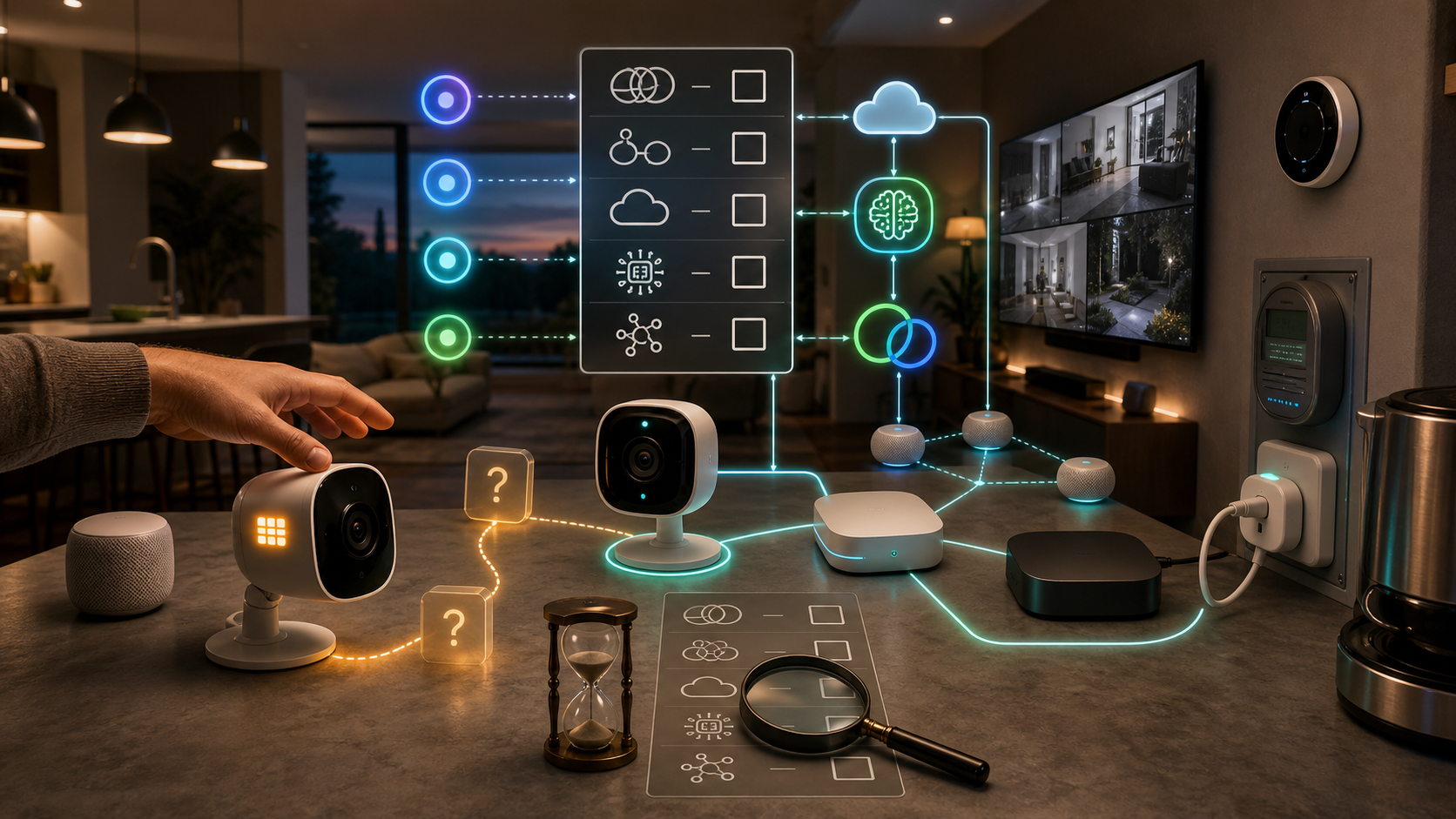
So a 4K headline should not trigger an automatic camera purchase. Before replacing a working camera, verify four things:
- The camera is explicitly listed or tested for iOS 27 4K HomeKit Secure Video. - The home has an Apple TV or HomePod hub that supports the final feature set. - The iCloud+ plan supports the number of recording cameras in the home. - The household actually wants AI summaries and search enabled for security footage.
If one of those is unknown, the upgrade is still speculative.
Thread and Energy Are Platform Checks
Thread 1.4 matters because smart homes with multiple Thread border routers can get fragmented. Thread Group says Thread 1.4 is designed to make Matter networks more user-friendly, interoperable, and robust, with credential sharing, diagnostics, Thread over Infrastructure, commissioning at scale, and backward compatibility.
That does not mean every Apple Home will instantly merge every Thread network. Hubs, apps, firmware, and public software timing still matter.
Energy management has a similar trap. CSA says Matter 1.4 expands energy capabilities for solar panels, batteries, heat pumps, water heaters, EV charging, thermostat presets, and device energy management. If Apple Home exposes useful energy data, that could make Matter energy devices easier to understand.
But a Home app tab is only useful when the devices in the house report the right data and Apple surfaces it clearly. A buyer considering an energy monitor, heat pump controller, EV charger, or smart plug should verify Matter support, what measurements are exposed, and whether automations can act on those readings.
Privacy and Setup
Apple's public Home app page says Home app data is stored in a way Apple cannot read, accessories are controlled by Apple devices instead of the cloud, and communication is end-to-end encrypted. That is the right baseline for a camera system, but it does not remove household setup decisions.
Check who can view live streams. Check who can view recordings remotely. Check whether guests or family members have Home permissions they no longer need. If Apple Intelligence summaries become part of the camera workflow, treat them like any other security feature: test them, understand their limits, and do not assume they replace a real review of important footage.
There is also a practical installation point. 4K camera recording can expose weak Wi-Fi, bad camera placement, overloaded hubs, and noisy motion zones. A higher-resolution stream is not automatically a better security system if it creates more alerts, drops frames, or points at the wrong part of the porch.
The Takeaway
Apple Home's iOS 27 direction is encouraging because it targets real pain points: camera resolution, alert fatigue, search, Matter setup, Thread reliability, and energy visibility.
The buying advice is still conservative. Do not buy a camera because it says 4K on the box. Do not buy an energy device because Matter 1.4 exists. Do not assume Thread 1.4 solves a fragmented network until the actual Apple hubs in the home support the final behavior.
Buy when the device, hub, iCloud+ plan, and ecosystem behavior are all confirmed. That is when this Apple Home update moves from exciting software news to a smarter purchase.
- https://developer.apple.com/ios/ - https://www.apple.com/home-app/ - https://support.apple.com/en-gb/guide/icloud/mme054c72692/icloud - https://csa-iot.org/newsroom/matter-1-4-enables-more-capable-smart-homes/ - https://threadgroup.org/resources - https://www.macrumors.com/2026/06/08/apple-adds-ai-descriptions-and-smarter-notifications-to-home/ - https://homekitnews.com/2026/06/09/apple-intelligence-and-4k-recording-come-to-the-home-app/ - https://www.matteralpha.com/industry-news/ios-27-apple-home-thread-1-4-4k-energy